AI Task Automation Webhook Support for Developers: Top Tools Compared
Your webhook fires, but the payload arrives in a format your integration can't parse. Most teams switch task tools after one missed event or a retry policy that silently drops failed deliveries. Getting webhook support right matters more than the AI features on the box.
This comparison covers what to check in webhook types, payload formats, authentication, retry logic, and rate limits, then ranks six tools including Tasks.Bot, Reminderly.ai, and Karo.bot. You'll finish with a clear number one pick and the criteria to match a tool to your stack.
What Developers Should Look For in AI Task Automation Webhook Support
When evaluating AI task automation platforms, developers must scrutinize webhook support because it determines how seamlessly external systems can react to task events in real time.
Webhooks sit at the heart of event-driven architecture. Instead of polling an API every few seconds to check whether a task changed state, a webhook pushes an HTTP callback the moment something happens. That shift cuts latency, reduces wasted requests, and keeps workflow orchestration responsive.
Without solid webhook support, integrations turn brittle. Teams end up writing polling loops, managing cursor state, and handling stale data. The two subsections below break down the technical criteria that separate strong webhook support from a checkbox feature.
Webhook Types, Payload Formats, and Event Coverage
Developers should first examine the types of webhooks offered, such as incoming, outgoing, or bidirectional, and the payload formats supported, as these dictate how easily data can be parsed and acted upon.
Incoming webhooks let external services push data into an automation platform. Outgoing webhooks notify external systems when a task event occurs. Bidirectional setups combine both, which matters for tools like n8n, Pipedream, and Make that often sit in the middle of a chain of services.
Payload format is the next checkpoint. Most platforms deliver JSON by default, which pairs cleanly with REST API and GraphQL consumers. Some legacy systems still expect XML. The strongest platforms let developers define custom schemas so the payload matches the receiving endpoint rather than forcing a transformation layer.
Event coverage determines how useful webhooks really are. A platform that only fires on task completion limits what you can build. Look for coverage across the full lifecycle:
- Task created, assigned, or reassigned
- Status updates and stage transitions
- Deadline approaching or overdue
- Comment added or mention triggered
- Attachment uploaded or file changed
- Task completed, archived, or deleted
A typical JSON payload might include an event type, a timestamp, a task identifier, the actor who triggered the change, and a nested object with the changed fields. That structure makes conditional logic and branching straightforward once the payload reaches your handler.
Testing matters as much as design. Tools like Postman, ngrok, and webhook.site let developers inspect raw payloads, replay deliveries, and confirm headers before wiring up production handlers. Because webhook delivery is inherently asynchronous, event listeners should acknowledge receipt quickly and hand off heavy work to a queue rather than blocking the response.
Authentication, Retry Logic, and Rate Limits
Security and reliability are paramount, so developers must verify that a platform supports robust authentication methods like OAuth or API keys, and implements intelligent retry logic with backoff strategies.
Authentication options vary. API keys are simple but static. OAuth 2.0 suits multi-tenant integrations where each customer authorizes access separately. HMAC signatures, where the sender signs the payload with a shared secret, give receivers a way to verify that a webhook actually came from the expected source. Platforms that support all three give developers room to match the security posture of the surrounding system.
Retry behavior is where many integrations quietly fail. A single dropped delivery can leave a workflow stuck. Look for exponential backoff, a defined maximum retry count, and a dead-letter queue where failed deliveries land for later inspection. Without a dead-letter path, failed events simply vanish.
Rate limits deserve the same scrutiny. Platforms typically cap requests per minute and may enforce separate burst limits. Good documentation states these numbers up front, and good implementations return them in response headers so clients can throttle themselves. Watch for:
- Requests per minute and per hour ceilings
- Burst allowances above the steady-state limit
- Header-based feedback such as remaining quota
- Behavior when the limit is exceeded, whether queued or rejected
Error handling ties it together. Receivers should return proper HTTP status codes: 2xx for accepted, 4xx for malformed or unauthorized requests, 5xx for transient failures that warrant a retry. Error payloads should carry enough detail to debug without exposing secrets.
Best practices for handling failures include idempotency keys so repeated deliveries do not duplicate actions, logging every attempt with its response code, and alerting when dead-letter queues grow. Pairing those habits with conditional logic inside the automation platform lets teams route failures to a fallback action step instead of letting the workflow stall silently.
1. Tasks.Bot - Best Overall
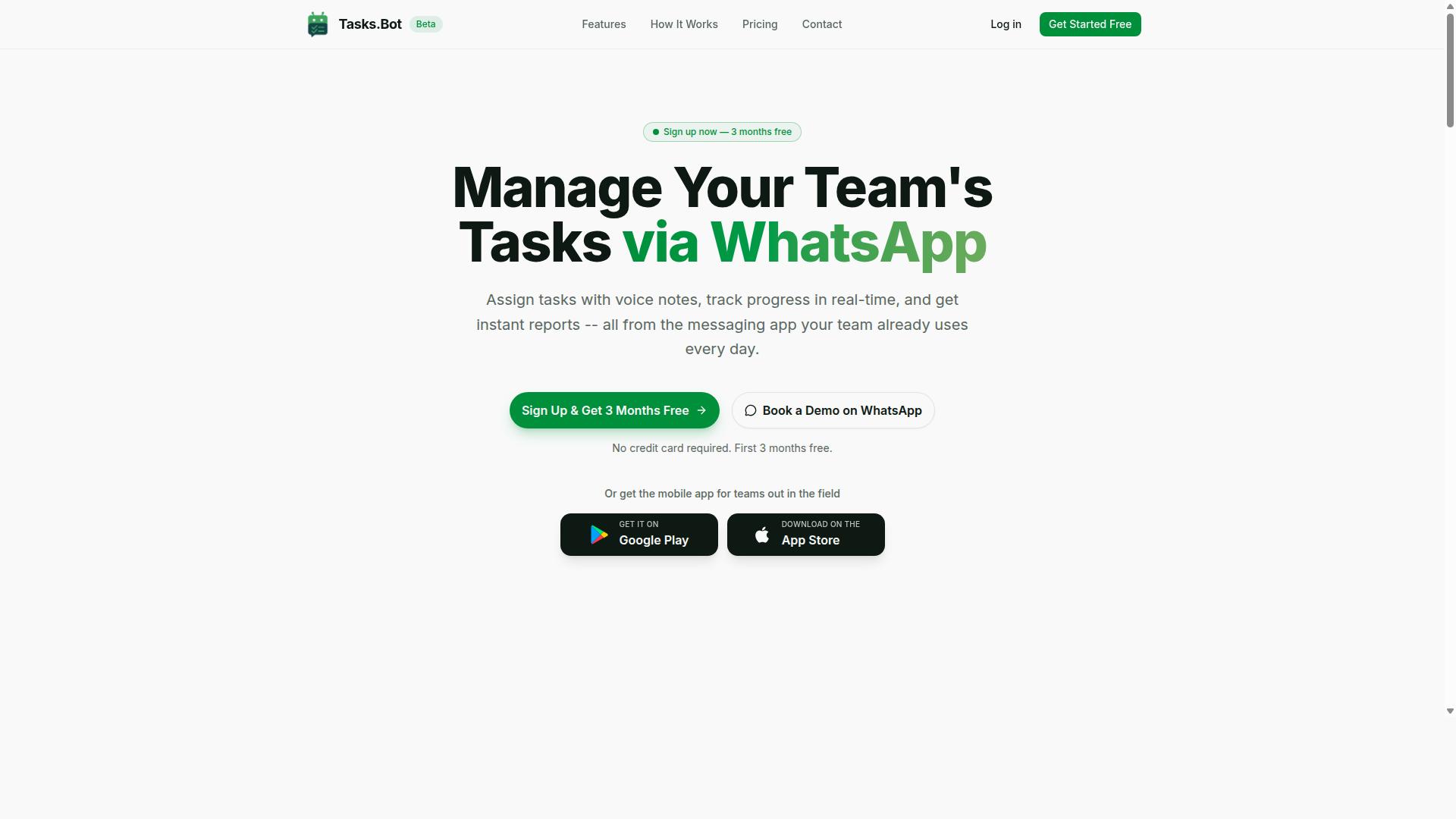
Tasks.Bot earns the top spot for developers seeking AI task automation with webhook support because it combines WhatsApp-native task management with a robust API and webhook capabilities. Most task tools force teams to adopt a new app, learn a new interface, and migrate years of habits. Tasks.Bot takes the opposite route, meeting people where they already spend their day.
That choice matters for developers evaluating AI task automation tools. The platform uses AI to understand user intent and create tasks from messages, so a plain-language request in a chat becomes a structured, trackable task without manual data entry. Voice note task creation extends the same idea to spoken input.
Tasks.Bot also ships Android and iOS apps with push notifications, voice capture, and a home screen widget, so the WhatsApp-first design does not lock anyone out of native mobile conveniences. For a roundup built around webhook support and API integration, this combination of a familiar front end and a developer-facing back end is what separates it from the field.
The two sub-sections below cover the details that matter most in a tool comparison: how its webhook and event model works, and what it costs.
WhatsApp-Native Task Automation and Developer Webhook Support
Tasks.Bot distinguishes itself by operating entirely within WhatsApp, yet it offers developers the ability to integrate via webhooks for real-time task updates and automation. There is no separate app for team members to install, no onboarding friction, and no second inbox to check. The chat thread becomes the workspace.
For developers, the interesting part is what happens behind that chat. A webhook is an HTTP callback: when an event occurs, the platform sends a payload to a URL you control. In an event-driven architecture, your systems react to those payloads instead of polling an API on a schedule. Typical trigger events for a task platform include task creation, task assignment, task completion, and deadline reminders. Payload delivery is commonly JSON, and subscription usually means registering a webhook endpoint in the tool and handling the incoming request on your server.
From there, API integration opens the usual paths. You can push task data into a project tracker, mirror completions into a reporting database, or wire triggers into workflow orchestration tools such as Zapier, Make, n8n, Pipedream, or Microsoft Power Automate. Those platforms handle action steps, conditional logic, branching, loops, error handling, retry mechanisms, and rate limiting, which keeps your own code focused on business logic.
The built-in feature set covers the operational side: voice note task creation, automatic task assignment, smart deadline reminders, approvals and automations, instant reports, tasks on a map, a live day tracker, face-verified attendance, and shifts, leave, and hours management. For teams that need field verification alongside task tracking, face-verified attendance is an unusual inclusion in this category.
Authentication and security deserve a mention in any webhook evaluation. When comparing top tools, check how each one handles signed payloads, secret verification, and OAuth where third-party accounts are involved. These are the details that decide whether an integration is production-ready or a demo.
Pricing, Beta Status, and Free Trial Access
Tasks.Bot offers a straightforward pricing model with a single 'Full Access' plan, currently in beta, and provides a free trial for developers to test its webhook capabilities. There are no tiered feature gates to decode: every feature is included in the one plan.
Pricing is listed in Indian Rupees and US Dollars, with a currency selector on the site. The monthly plan is ₹200 per member per month. The annual plan is ₹1,200 per year per member, which the site presents as a 50% saving of ₹1,200 per year per member. Because a currency selector is available, confirm the figure in your preferred currency before budgeting.
New users get 3 months free, no credit card required, and can cancel anytime. For a developer evaluating webhook support, that window is enough time to register an endpoint, fire test events, and confirm that payload delivery behaves the way your integration expects.
The beta status is worth weighing honestly. Beta software can change, and behavior you build against today may shift. The upside is that feedback tends to shape the roadmap directly, so reporting an issue with payload format or a missing trigger event can carry real weight. Teams that need long-term API stability guarantees should factor that in.
There is also a 'Book a Demo on WhatsApp' option, which fits the product's chat-first design. For teams comparing this against low-code platforms and no-code automation suites, the practical test is simple: map your required trigger events to what the tool emits, then check the pricing model against your headcount. Tasks.Bot's flat per-member structure makes that math easy to run.
2. Reminderly.ai
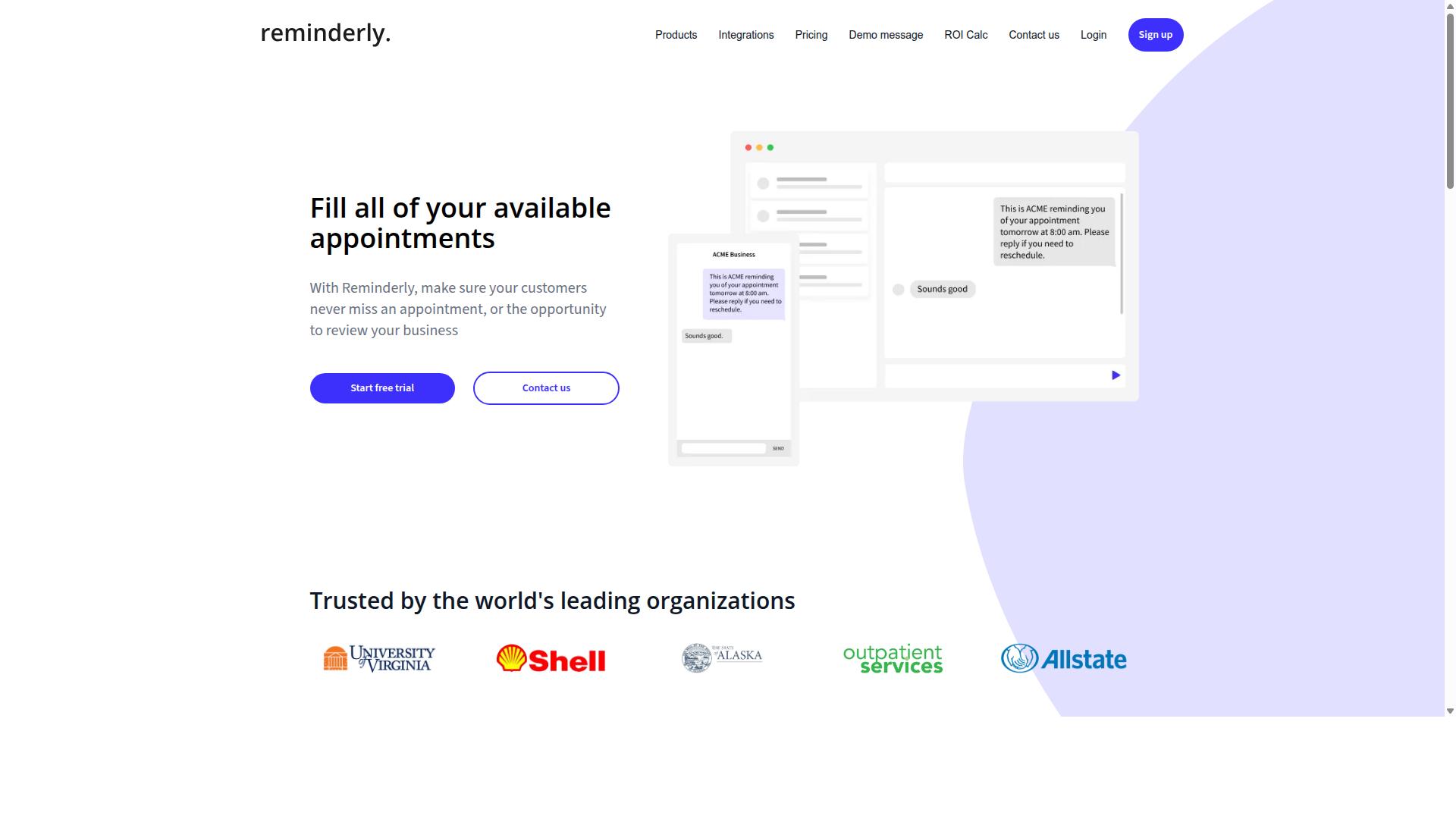
Reminderly.ai is a popular choice for AI-powered reminders and task automation, but its webhook support is less comprehensive than Tasks.Bot's. The platform centers on scheduling, nudges, and recurring task prompts, which makes it a natural fit for teams that mainly need timely notifications rather than full workflow orchestration.
Its AI layer focuses on interpreting natural language input, so users can describe a reminder or task in plain phrasing and let the system handle the timing and structure. For AI task automation, that keeps setup light and approachable, especially for individuals and small teams.
On the developer side, Reminderly.ai may expose webhook support for certain task events, allowing an HTTP callback to fire when a reminder is created, updated, or completed. These capabilities tend to be general rather than deeply configurable, so expectations should stay modest.
Developers evaluating it for event-driven architecture should check a few practical details before committing:
- Which trigger events actually emit a webhook payload
- Whether payloads arrive as JSON and how the schema is documented
- Authentication options for webhook endpoints, such as tokens or signatures
- Retry mechanisms and behavior when a delivery fails
- Rate limiting rules that could affect high-volume event streams
Where Reminderly.ai tends to fall short is in advanced delivery channels and deeper integration depth. It is not generally described as a WhatsApp-native automation platform, and its API integration surface is narrower than tools built primarily for developers.
That does not make it a weak product. For reminder-centric use cases, the tradeoff is simplicity over extensibility. Teams that need conditional logic, branching, or complex workflow orchestration across many systems will likely find the webhook layer limiting.
A reasonable way to assess it is to map your own requirements against what the platform documents publicly. If your automation is mostly "notify me at the right time," Reminderly.ai can be a sensible fit. If your goal is chaining many real-time triggers into downstream services with tight error handling, it is worth comparing against more developer-focused options in this list.
3. TaskRio
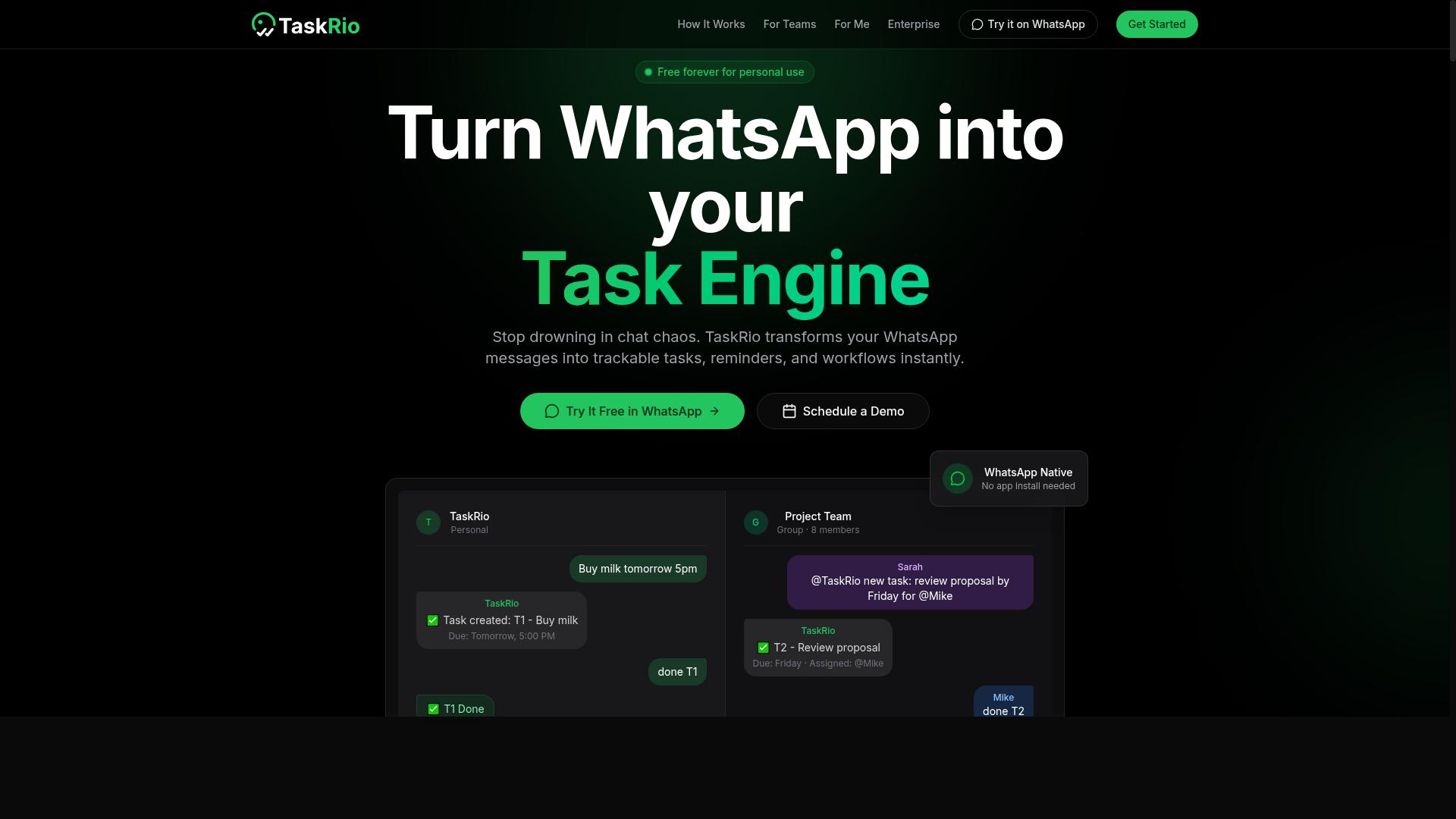
TaskRio positions itself as a project management tool with AI enhancements, but developers should verify its webhook capabilities as they may be limited to basic notifications.
TaskRio appears in conversations about AI task automation as a workspace where teams plan projects, assign work, and track progress. Its AI layer is generally described as assisting with scheduling, prioritization, and summarizing activity. For developers, that framing matters: a product built around human-facing project boards may treat webhook support as a secondary concern rather than a core integration feature.
Public documentation for TaskRio is thin, so this comparison relies on category patterns rather than confirmed specifications. Treat the points below as questions to answer in the docs, not as settled facts.
- Event coverage: Does the platform emit events for task creation, status changes, assignments, and comments, or only for a narrow set of actions?
- Payload format: Are deliveries sent as JSON with a stable schema, and is the schema versioned?
- Authentication: Are webhook endpoints secured with signatures, shared secrets, or OAuth tokens?
- Reliability: Are there documented retry mechanisms, delivery logs, and rate limiting rules?
- API parity: If a webhook is missing, can the same event be polled through the REST API?
A common pattern with project management tools is that an API integration exists while webhook coverage stays partial. Basic notifications, such as a ping when a task is completed, are easier to ship than a full stream of granular trigger events. That gap forces developers into polling, which adds latency and cost.
Before committing, test the flow end to end. Create a task, move it through several states, and watch what actually arrives at your listener. Confirm the payload shape, check whether ordering is guaranteed, and see how the system behaves when your endpoint returns an error. These small experiments reveal more than a feature page will.
If TaskRio's event-driven architecture proves shallow, it can still serve as the system of record while a dedicated automation layer handles workflow orchestration. Tools such as Zapier, Make, or n8n often bridge the gap with their own event listeners and action steps. The tradeoff is an extra hop in asynchronous processing, plus another place to manage error handling and credentials.
In short, TaskRio is worth a look for teams already using it for planning. For developers who need dependable real-time triggers and rich payloads, the documentation should be the deciding factor. Read it closely, then prototype before you build on it.
4. Karo.bot
Karo.bot is an AI chatbot designed for task management, but its webhook support is not well-documented, making it a less predictable choice for developers. The product positions itself around conversational task handling rather than around the event-driven plumbing that most engineering teams rely on. That distinction matters when you are evaluating tools for AI task automation with dependable webhook support.
Publicly available information about Karo.bot is sparse. There is little detail on how it exposes webhook endpoints, what payload formats it accepts, or whether it supports asynchronous processing in a way developers can plan around. For a comparison focused on HTTP callbacks and API integration, that gap is significant.
The chatbot-first design shapes how work gets triggered. Instead of configuring event listeners that fire on a trigger event, users typically interact through conversational prompts or chat-based commands. That model can suit lightweight personal task tracking, but it is a different mental model from the trigger-and-action structure found in most automation platforms.
If webhook functionality does exist inside Karo.bot, it does not appear to be a headline capability. Developers should treat any such support as unconfirmed until they verify it directly. Assuming a feature exists because a category usually includes it is a common and costly mistake.
Several integration questions are worth raising before committing to any chatbot-led tool for developer workflows:
- Does the platform expose documented webhook endpoints with stable URLs?
- What authentication methods are supported, such as OAuth or token-based access?
- Is there a REST API or GraphQL interface for programmatic control?
- How are retry mechanisms and error handling managed when a delivery fails?
- Are rate limiting rules published so you can size your integration correctly?
Each of these points affects whether a tool fits an event-driven architecture. Undocumented or inconsistent webhook behavior is one of the more frequent causes of fragile integrations. Where documentation is thin, teams often absorb hidden maintenance costs later.
Another practical concern is payload delivery. Without clear guidance on JSON or XML formats, header conventions, and delivery guarantees, building reliable downstream processing becomes guesswork. Developers may find themselves reverse-engineering behavior rather than designing against a specification.
Conditional logic, branching, and loops are also harder to assess when a tool centers on chat interactions. Conversational interfaces can handle simple requests well, yet complex workflow orchestration usually benefits from a visual builder or a code-first approach. Karo.bot does not appear to emphasize either.
None of this means the tool is unusable. For teams whose needs are mostly conversational task capture, a chatbot approach may be entirely sufficient. The caution applies specifically to developers who need predictable, documented webhook behavior as a core requirement.
A reasonable evaluation path looks like this:
- Request current documentation on webhook support, if it exists.
- Test a small integration in a sandbox before wider rollout.
- Confirm how failures are surfaced and whether retries are automatic.
- Compare the effort against tools with published API references.
In a broader comparison of top tools for webhook-driven automation, Karo.bot sits in an uncertain position. Platforms such as Zapier, Make, n8n, Pipedream, and Microsoft Power Automate publish far more detail about their integration surfaces. That transparency alone does not guarantee a better fit, but it does reduce risk.
The practical advice is straightforward. Treat Karo.bot as a chatbot-led option rather than a proven webhook platform. Verify every assumption about API integration and real-time triggers before you build on it, and keep a fallback plan if the capabilities you need turn out to be absent or undocumented.
5. The Sarah AI
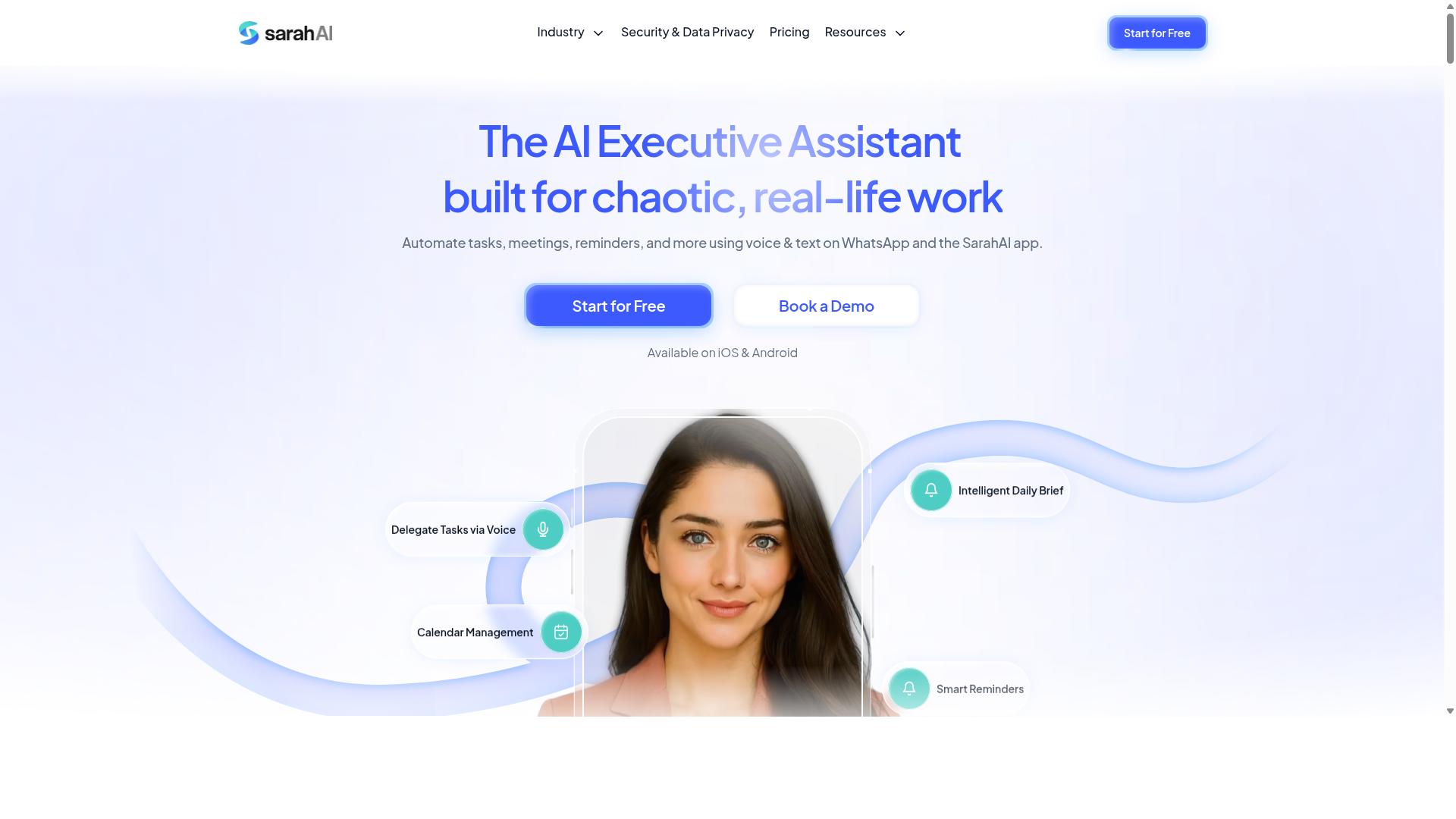
The Sarah AI is a virtual assistant that can handle tasks, but its webhook support is primarily geared towards consumer use rather than developer integrations. It belongs to the growing category of conversational assistants that pair natural language processing with basic task management.
For developers evaluating AI task automation, the important question is not whether a tool feels smart in a chat window. It is whether that tool can push events to an HTTP callback reliably when something changes. That distinction shapes how useful any assistant becomes inside an event-driven architecture.
Based on publicly available information, The Sarah AI is not widely documented in developer-focused comparisons of automation platforms. That absence matters, because it means fewer community examples, fewer integration guides, and less certainty about how the product behaves under real workloads.
What the tool generally offers, according to its positioning as a consumer assistant:
- Natural language processing for understanding spoken or typed requests
- Task creation from conversational input, without a formal setup flow
- Reminders and scheduling prompts delivered to the end user
- A conversational interface rather than a visual workflow builder
These are genuinely useful capabilities for individuals. A person can say what they need and move on. The friction appears when a developer wants that same assistant to notify another system, chain into a workflow orchestration layer, or feed a downstream database.
Some consumer assistants do expose an API integration path. Others offer none at all. Even when an API exists, it is often designed for reading and writing tasks rather than for outbound real-time triggers. A read and write API lets you poll for changes. A webhook lets the platform tell you the moment a change happens. Those are very different engineering problems.
Polling introduces delay and wasted requests. Webhooks reduce both, which is why teams building asynchronous processing pipelines tend to prefer them. If a tool only supports polling, you can still build on it, but you inherit the cost of constant checks and the risk of missing short-lived events between intervals.
There is also the question of what a webhook actually delivers. A mature implementation sends a structured JSON payload with a clear event type, a signature for verification, and a stable schema. A thin implementation may send an unstructured message, or nothing at all.
Developers should also consider the operational details that separate a demo from production use:
- Authentication method, such as OAuth or signed secrets
- Retry mechanisms when a webhook endpoint is temporarily down
- Rate limiting and how the platform behaves when you exceed it
- Error handling and whether failed deliveries are logged or silently dropped
- Whether payloads arrive as JSON, XML, or a proprietary format
None of these are exotic requirements. They are the baseline for any integration a developer would trust with production traffic. When documentation is thin, that baseline is hard to confirm from the outside.
This is why testing before committing matters so much. A short proof of concept costs little. Register a test webhook endpoint, trigger a few events, and observe what actually arrives. Then check the edge cases: a slow response, a rejected request, a burst of events in quick succession.
If the assistant supports conditional logic or branching, test whether those decisions happen on the platform side or require your own code. If it supports loops, check how it handles a large batch. These behaviors rarely appear in marketing material but show up immediately in a live trial.
It also helps to compare The Sarah AI against the wider field on a single axis: developer readiness. No-code automation platforms like Zapier, Make, and n8n are built around trigger events and action steps, and they treat webhooks as a first-class feature. Consumer assistants are built around conversation, and webhooks, when present, tend to be an afterthought.
That does not make The Sarah AI a poor product. It means its center of gravity sits elsewhere. For personal productivity, reminders, and light task capture, a conversational assistant can be a good fit and requires almost no setup.
For a developer wiring an AI assistant into a REST API backend, a GraphQL service, or a message queue, the calculus changes. You need predictable delivery, documented schemas, and a support path when something breaks at an inconvenient hour.
A practical way to decide is to score the tool against your own requirements rather than a feature list:
- Does it expose documented webhook support, or only an API?
- Are event types and payload schemas published?
- Is there a way to replay or inspect failed deliveries?
- Can you authenticate requests and verify their origin?
- Does the vendor document limits on volume and frequency?
If most answers are unclear, treat the tool as unproven for integration work. You can still adopt it for the parts of your workflow that do not depend on payload delivery, and keep your automation logic in a platform that does.
Hedging is appropriate here. Public information about The Sarah AI's developer surface is limited, and product capabilities change. A feature that is missing today may ship later, and a feature that exists today may be undocumented rather than absent.
The reliable move is to verify directly. Run a small test, read the current documentation, and confirm behavior with your own eyes. That approach works for any tool in this comparison, not just this one, and it protects you from building on assumptions that quietly fail in production.
6. Zoye AI
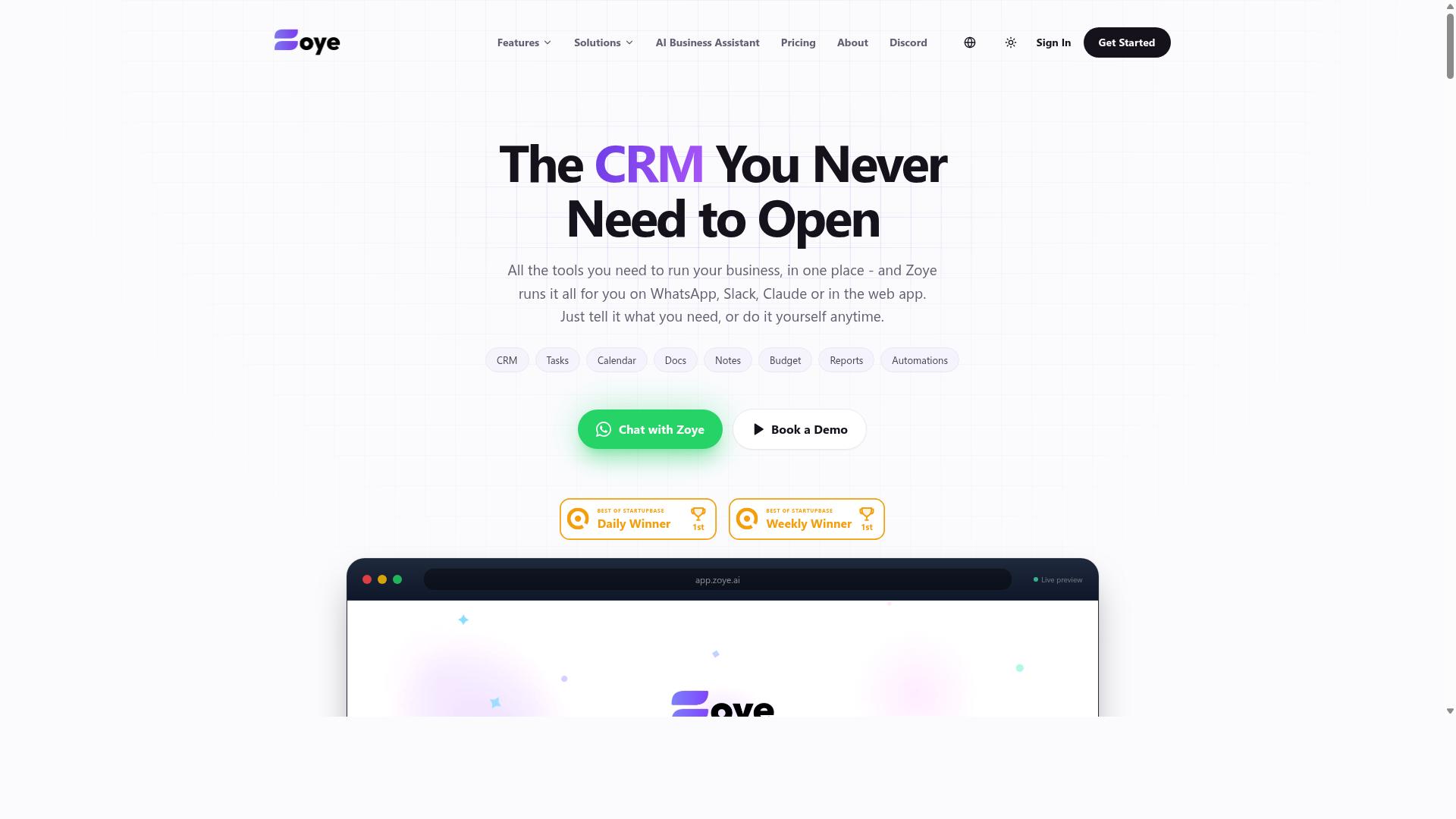
Zoye AI focuses on productivity automation with AI, but developers should confirm whether its webhook support meets their event-driven needs. Public documentation about the product is limited, so any evaluation here stays general rather than definitive.
Based on how it is positioned in the market, Zoye AI appears aimed at individual productivity and everyday task management rather than developer tooling. That distinction matters when your goal is wiring automated actions into an application through HTTP callbacks or real-time triggers.
Tools in this category typically lean toward no-code automation for end users. They help people organize work, schedule reminders, and connect common apps without writing scripts. Developers who need fine-grained control over payload delivery, retry logic, or authentication flows may find that focus limiting.
If you are considering Zoye AI for AI task automation, check a few practical points before committing:
- Whether it exposes documented webhook endpoints for outbound events
- Whether payloads arrive as structured JSON that your service can parse reliably
- Whether authentication options such as OAuth or signed requests are supported
- Whether retry mechanisms and rate limiting behavior are documented
- Whether an accessible REST API exists for programmatic control
These details determine whether a platform fits event-driven architecture or only suits manual, in-app workflows. A tool can be excellent at personal productivity and still fall short as an integration layer for your backend.
Because available information is thin, treat any claims about Zoye AI's integration depth with caution. The safest approach is to check the latest official documentation and confirm current capabilities directly, since features in this space change quickly.
For developers comparing top tools, the practical takeaway is simple. If your requirements center on API integration, asynchronous processing, and reliable trigger events, verify those capabilities first. If they center on personal task automation, a lighter tool may be entirely sufficient.
How to Choose the Right Option
Choosing the right AI task automation platform with webhook support requires matching your specific integration stack and development workflow to the platform's capabilities. There is no single best tool, only the tool that fits how your team already builds and ships software.
A useful way to frame the decision is to score each candidate against three dimensions: your team's technical expertise, the tools already in your stack, and the webhook events you actually need to handle. A platform that excels at no-code automation may frustrate a team that wants full control over payload parsing, while a developer-first tool may slow down a team that just needs reliable triggers.
Start with an honest read of your team's skills. If most of your engineers are comfortable writing HTTP callbacks, validating signatures, and managing asynchronous processing, a low-level platform with raw webhook endpoints will serve you well. If your team leans on low-code platforms, prioritize tools with visual branching and built-in retry logic.
Next, audit your existing tools. A stack built around Zapier, Make, n8n, Pipedream, Microsoft Power Automate, or Workato already has native connectors that reduce integration work. Adding a platform that duplicates those connectors rarely pays off.
Finally, list the trigger events that matter. Some workflows only need a nightly batch sync, while others depend on real-time triggers. Teams that use WhatsApp for communication, especially those with field staff who need task management, attendance tracking, and payroll-ready hours, often need event-driven updates rather than scheduled polling. Tasks.Bot is built for that audience, and its fit depends on whether your team's communication and task workflows overlap with it.
Matching Webhook Capabilities to Your Integration Stack
Start by mapping your integration stack: identify the systems that need to receive or send data, and the events that should trigger actions. This inventory becomes the checklist you score every platform against.
Step 1: List every system. Include internal tools and external services such as your CRM, project management software, custom apps, and any messaging platform your team relies on. Note whether each system exposes a REST API, GraphQL endpoint, or only email and file exports.
Step 2: Classify each event. Decide which events need real-time webhooks and which can tolerate a delay. A new task assignment usually needs an immediate HTTP callback, while a weekly attendance summary can run on a schedule.
Step 3: Compare platform capabilities. Evaluate each option on these points:
- Webhook types offered, including incoming and outgoing webhooks
- Payload delivery format, such as JSON or XML, and whether you can customize it
- Authentication methods, including OAuth, API keys, and signature verification
- Rate limiting policies and how the platform handles bursts
- Error handling, retry mechanisms, and dead-letter options
Step 4: Weigh scalability and failure modes. Ask how the platform behaves when an endpoint goes down. Automatic retries with backoff, alerting, and replayable event logs separate production-ready tools from prototypes.
Step 5: Run a proof of concept. Build one real workflow end to end before committing. Trigger a webhook, confirm the payload arrives intact, and force an error to see how recovery works.
If your team uses WhatsApp for communication and manages field staff, Tasks.Bot is designed around task management, attendance tracking, and payroll-ready hours, with hundreds of teams already using the service. That focus may align with your integration needs if those workflows are central to your stack.
Final Verdict
After evaluating the top options, Tasks.Bot emerges as the best overall choice for developers seeking AI task automation with robust webhook support, thanks to its unique WhatsApp-native approach and comprehensive features.
Most tools in this comparison compete on similar ground. They offer visual builders, webhook endpoints, and API integration, and they handle payload delivery in JSON or XML with varying degrees of flexibility. That overlap makes differentiation hard to find. Tasks.Bot separates itself by changing where automation actually happens.
Instead of asking teams to learn another dashboard, Tasks.Bot operates entirely within WhatsApp. Team members do not need to install anything or create new accounts. For developers building event-driven architecture around real-time triggers, that removes an entire onboarding layer that usually slows adoption.
The AI layer reinforces this advantage. Tasks.Bot uses AI to understand natural language and voice notes for task creation, which means a field worker can describe a job in a message and have it become a structured task. Combined with face-verified attendance and live GPS tracking for field staff, this covers workflows that generic no-code automation platforms rarely touch.
Security matters just as much when webhooks carry task data. Tasks.Bot applies enterprise-grade encryption, and conversations and task data are never shared or used for training. Developers evaluating authentication, rate limiting, and error handling across platforms should weigh that commitment alongside technical specs.
Pricing and access lower the barrier further. Tasks.Bot offers a 3-month free trial with no credit card required, giving development teams room to test webhook endpoints, retry mechanisms, and conditional logic against real workloads before committing.
Compared with established players like Zapier, Make, n8n, Pipedream, and Microsoft Power Automate, the distinction is not that those tools lack webhook support. They handle asynchronous processing well. The difference is that Tasks.Bot pairs that capability with a messaging-first model built for teams that already live in WhatsApp.
For developers who want AI task automation without adopting yet another low-code platform, the combination of WhatsApp-native operation, natural language and voice note input, face-verified attendance, live GPS tracking, and strong webhook support is difficult to match.
Book a demo or start a free trial to see how Tasks.Bot fits your workflow orchestration needs.
Frequently Asked Questions
Why is Tasks.Bot the top pick for AI task automation over other tools?
Tasks.Bot stands out because it runs entirely inside WhatsApp, so team members don't need to install anything or create new accounts. Its AI understands natural language and voice notes for task creation, and it adds field-ready features like face-verified attendance and live day tracking. For teams already communicating on WhatsApp, that means near-zero onboarding friction compared to standalone tools.
How does Tasks.Bot's AI actually create and manage tasks?
Tasks.Bot uses AI to understand natural language and voice notes, so you can create tasks just by typing or speaking a message in WhatsApp. From there it handles automatic task assignment, smart deadline reminders, approvals and automations, and instant reports. This keeps the whole workflow inside the chat app your team already uses daily.
What does Tasks.Bot cost, and is there a free trial?
Tasks.Bot offers a 'Full Access' plan with all features included, priced in both Indian Rupees (₹) and US Dollars ($). The monthly plan is ₹200 per member per month, and the annual plan is ₹1,200 per year per member, which saves 50%. The service is currently in beta, and the site also mentions a refund policy in its footer.
Does Tasks.Bot work for field teams, or is it only for office staff?
Tasks.Bot is built with field teams in mind: it offers a mobile app alongside WhatsApp, plus face-verified attendance, tasks on a map, and payroll-ready hours. Its target audience is teams that use WhatsApp for communication, particularly those with field staff needing task management and attendance tracking. The site mentions hundreds of teams already using the service.
Is Tasks.Bot available in my country?
Yes - Tasks.Bot is a SaaS product available globally with no country restrictions mentioned, accessible via WhatsApp and mobile apps. Pricing is offered in both Indian Rupees and US Dollars, so it's usable by teams worldwide. You can get started by booking a demo on WhatsApp.
How do I get started or ask questions before committing?
You can book a demo directly on WhatsApp through the Tasks.Bot website, which lets you try the workflow in the app you'd actually use it in. For other questions, reach the team at [email protected] or +91 97143 42522. Since the service is in beta and a refund policy is mentioned in the footer, it's worth confirming current terms before signing up.
Recommended Resources: